
 Audio and Video Entertainment
 Lighting
 Robotics
 Security and Surveillance
 Shades
 Smart Home Systems
Wi-Fi and home networking in Charlotte, NC
Whole-home Wi-Fi and a wired backbone designed for your floor plan, so every room, patio and camera stays connected.
- No dead spots, upstairs, in the garage or on the patio
- Video calls and streaming that hold up when the house is full
- Cameras, locks and speakers on a network built for them
- Problems caught early and often fixed remotely



Wi-Fi and networking: what’s included
Whole-home Wi-Fi
Access points placed for your floor plan and walls, roughly one per 1,500 square feet, for coverage in every room and outside. No dead spots upstairs, in the garage or on the patio.
- Site survey before placement
- Coverage to the patio and pool
- Ceiling-mounted, not on a shelf
Wired backbone
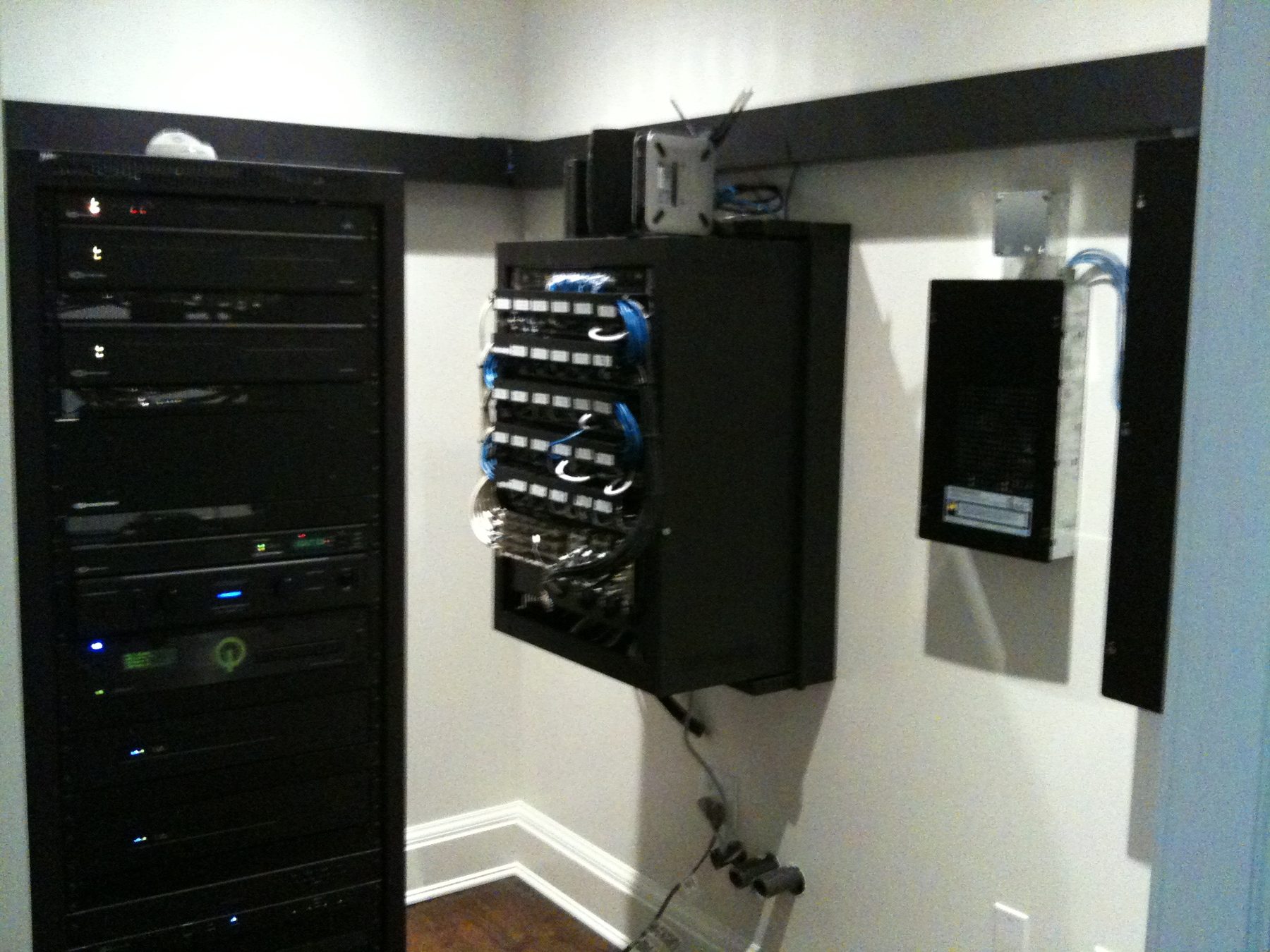
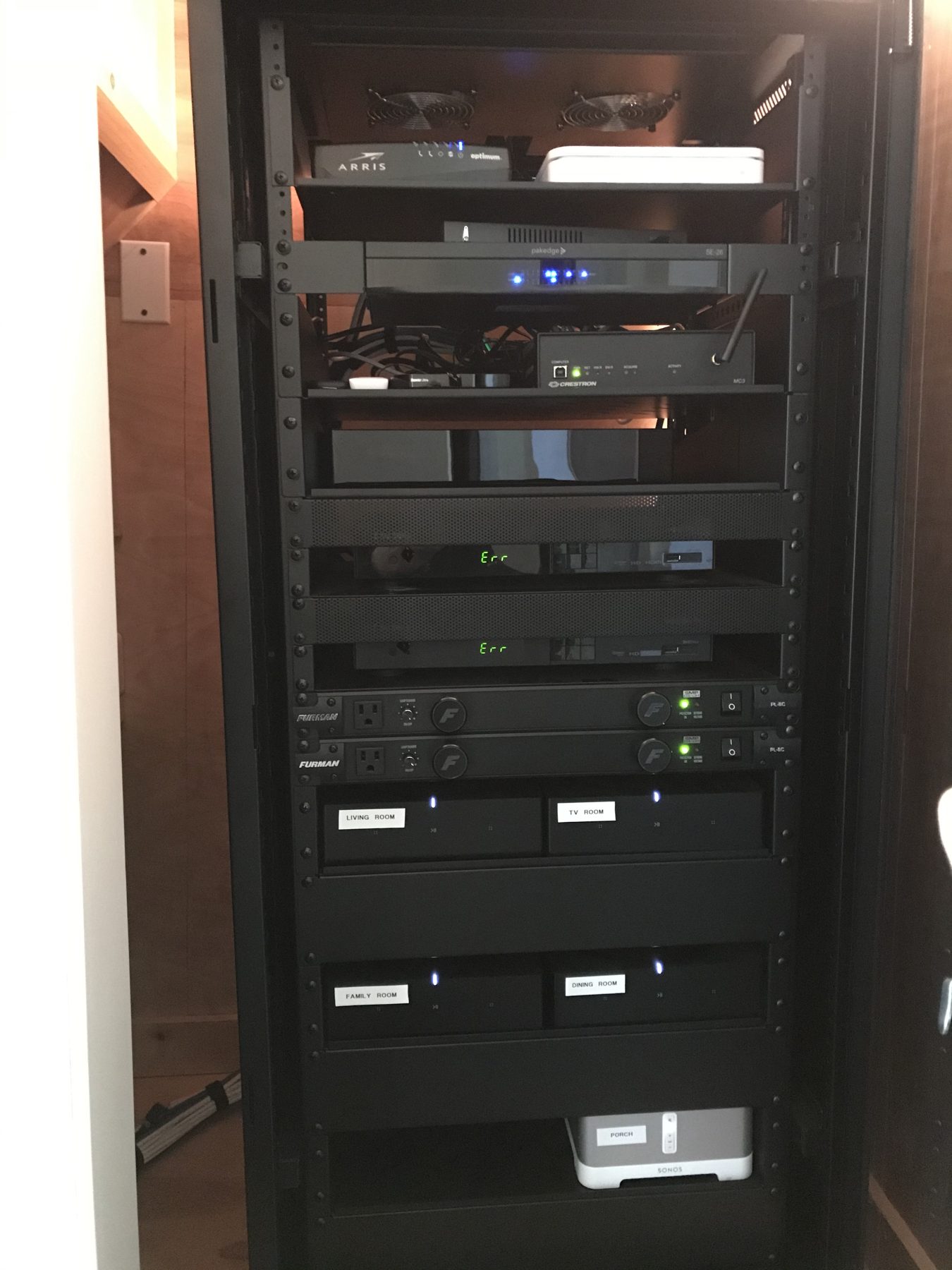
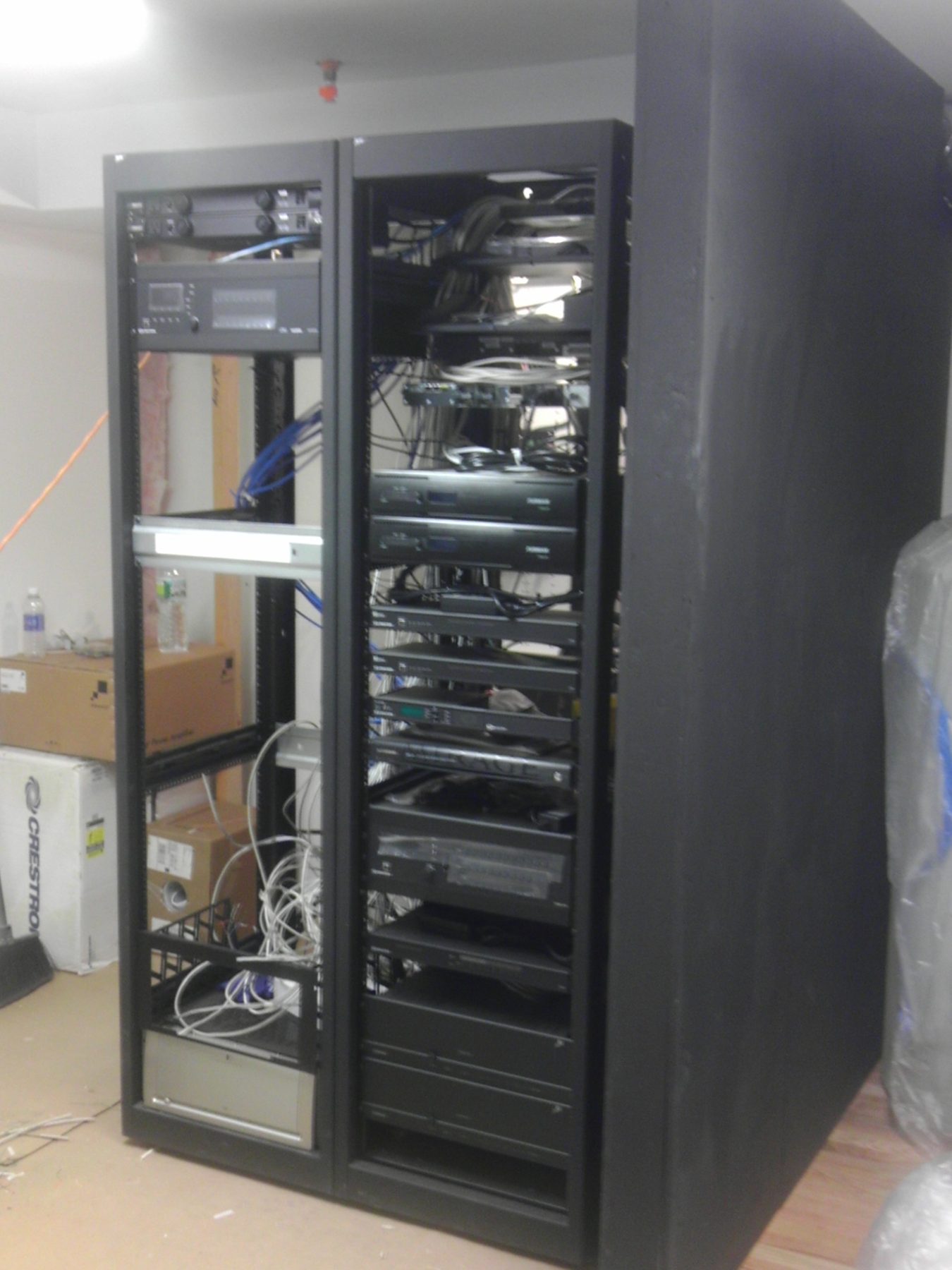
Low-voltage wiring to TVs, cameras and access points, so the heavy traffic never fights for Wi-Fi. Every run is terminated and labeled in a proper rack.
- Wired runs to TVs and cameras
- Labeled rack or enclosure
- Room to add later
Network security
A proper firewall, a guest network and device separation that keeps cameras and smart devices off your personal traffic. Guests get Wi-Fi without getting into your files.
- Firewall and secure Wi-Fi
- Guest network
- Smart devices on their own network
Monitoring and support
Remote health monitoring and DaisyCare service, so problems are caught early and often fixed before you notice. When something slips, we see it and reach out.
- Remote monitoring
- Firmware kept current
- DaisyCare support plans
Why Daisy
Designed for your floor plan
We survey the house for walls, interference and where you actually use devices, then place access points and wiring to match.
Built for a smart home
Cameras, speakers, TVs and controls get a network sized and separated for them, so the whole house stays fast when everything is on.
Tidy racks, labeled runs
Every cable is terminated and labeled in a proper rack or enclosure, so future changes are easy and nothing dangles behind the TV.
Watched after install
DaisyCare plans include network monitoring and remote fixes, handled by the Charlotte team that built it and backed by Daisy nationwide.
What clients say about their home networks




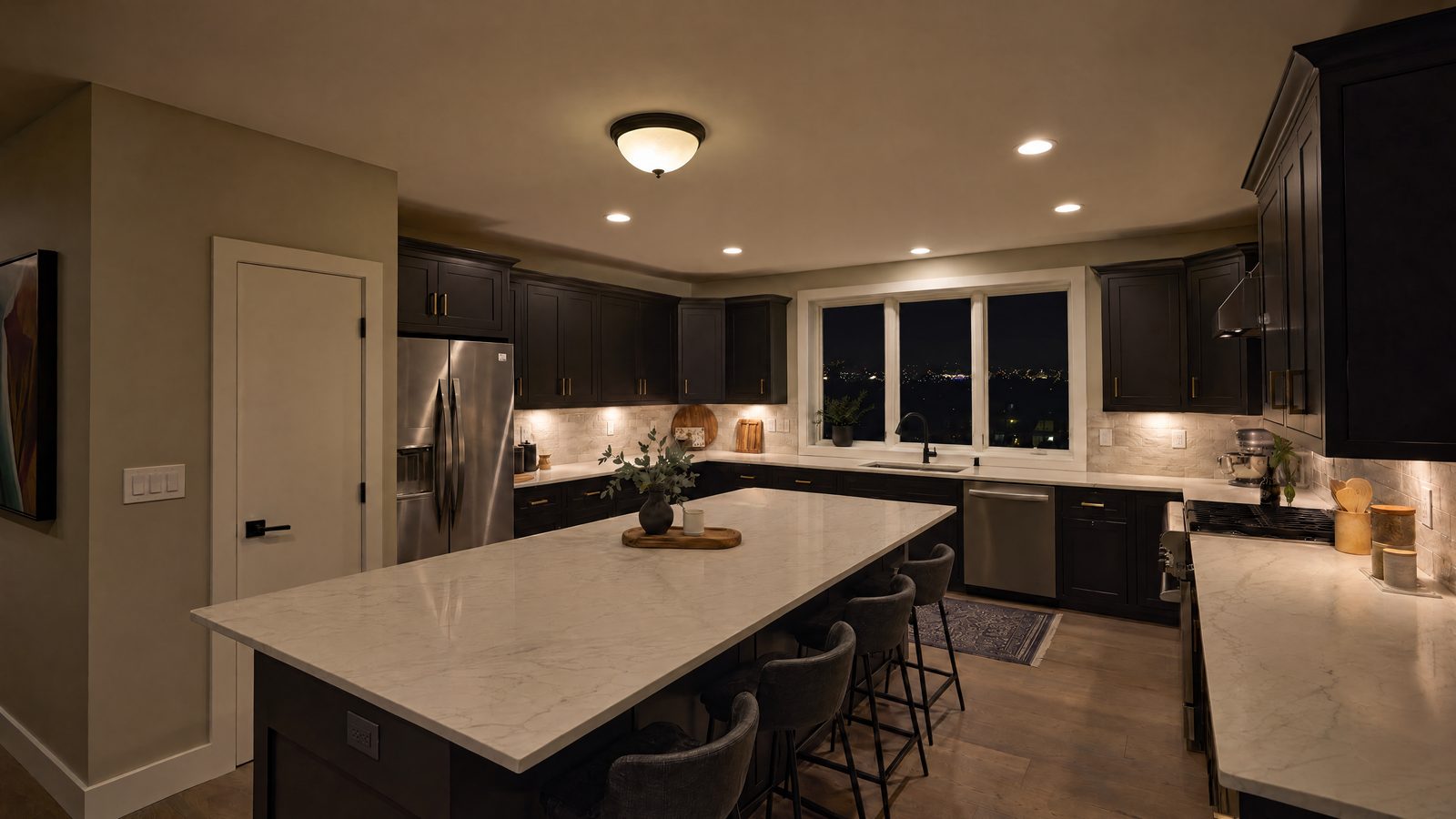
Really solid guys. Don’t sell you what you don’t need.
Their service is amazing; they come out for the smallest thing.
FAQs
Do I keep my internet provider?
Yes. We work with the service you already have and replace the equipment behind it with gear built for a full house of devices.
How many access points do I need?
It depends on square footage and construction. A rough guide is one for every 1,500 square feet, and a site survey gives the real number.
What does a home network cost?
Your consultation ends with a written design and a fixed price.
Can you fix the Wi-Fi in an existing house?
Yes. Most of our networking work is in existing homes, using existing wiring where we can and adding runs where they matter.
What if the network goes down?
DaisyCare support plans cover monitoring, updates and service, handled by the local team that built it.
Meet your local team



Wi-Fi and networking: what’s included
Whole-home Wi-Fi
Access points placed for your floor plan and walls, roughly one per 1,500 square feet, for coverage in every room and outside. No dead spots upstairs, in the garage or on the patio.
- Site survey before placement
- Coverage to the patio and pool
- Ceiling-mounted, not on a shelf
Wired backbone
Low-voltage wiring to TVs, cameras and access points, so the heavy traffic never fights for Wi-Fi. Every run is terminated and labeled in a proper rack.
- Wired runs to TVs and cameras
- Labeled rack or enclosure
- Room to add later
Network security
A proper firewall, a guest network and device separation that keeps cameras and smart devices off your personal traffic. Guests get Wi-Fi without getting into your files.
- Firewall and secure Wi-Fi
- Guest network
- Smart devices on their own network
Monitoring and support
Remote health monitoring and DaisyCare service, so problems are caught early and often fixed before you notice. When something slips, we see it and reach out.
- Remote monitoring
- Firmware kept current
- DaisyCare support plans
Why Daisy
Designed for your floor plan
We survey the house for walls, interference and where you actually use devices, then place access points and wiring to match.
Built for a smart home
Cameras, speakers, TVs and controls get a network sized and separated for them, so the whole house stays fast when everything is on.
Tidy racks, labeled runs
Every cable is terminated and labeled in a proper rack or enclosure, so future changes are easy and nothing dangles behind the TV.
Watched after install
DaisyCare plans include network monitoring and remote fixes, handled by the Charlotte team that built it and backed by Daisy nationwide.
What clients say about their home networks
Really solid guys. Don’t sell you what you don’t need.
FAQs
Do I keep my internet provider?
Yes. We work with the service you already have and replace the equipment behind it with gear built for a full house of devices.
How many access points do I need?
It depends on square footage and construction. A rough guide is one for every 1,500 square feet, and a site survey gives the real number.
What does a home network cost?
Your consultation ends with a written design and a fixed price.
Can you fix the Wi-Fi in an existing house?
Yes. Most of our networking work is in existing homes, using existing wiring where we can and adding runs where they matter.
What if the network goes down?
DaisyCare support plans cover monitoring, updates and service, handled by the local team that built it.
Meet your local team